 Otter
Otter Split bills,
not group chats.
Track shared expenses and settle up with friends — fast, fair, and stress-free.
Download on the App Store
Coming soon on Google Play
How it works
1
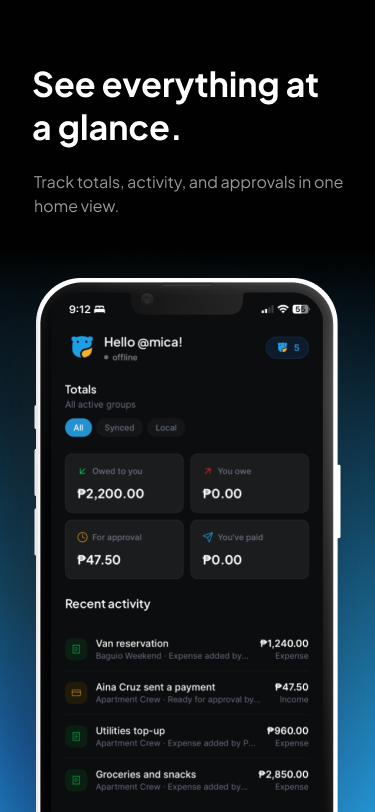
Your dashboard — all groups at a glance.
2
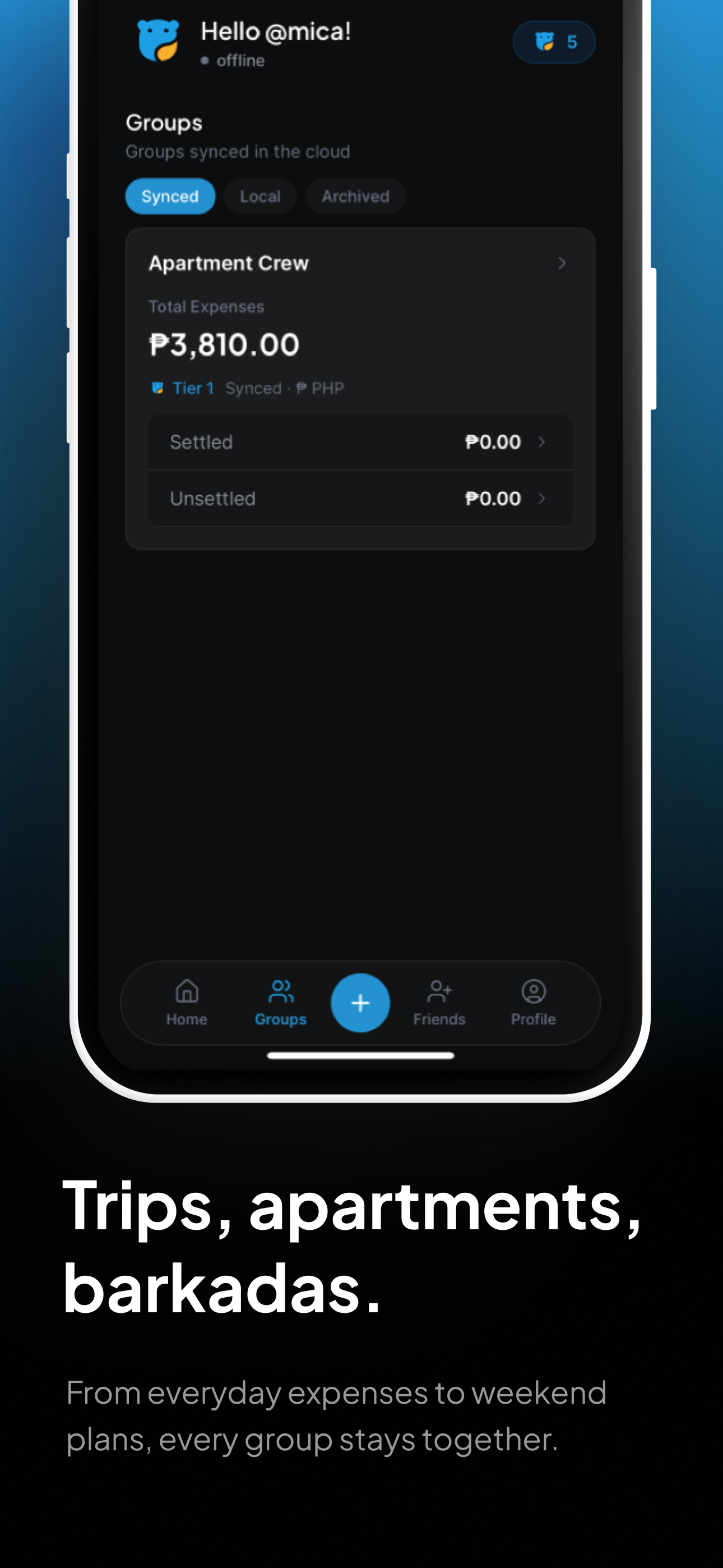
Start a group and invite your friends.
3
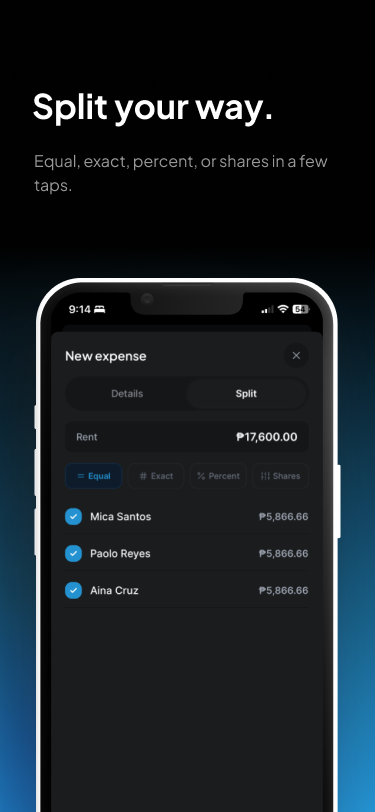
Split any way — equal, exact, or percentage.
4

See who owes whom — color-coded and clear.
5
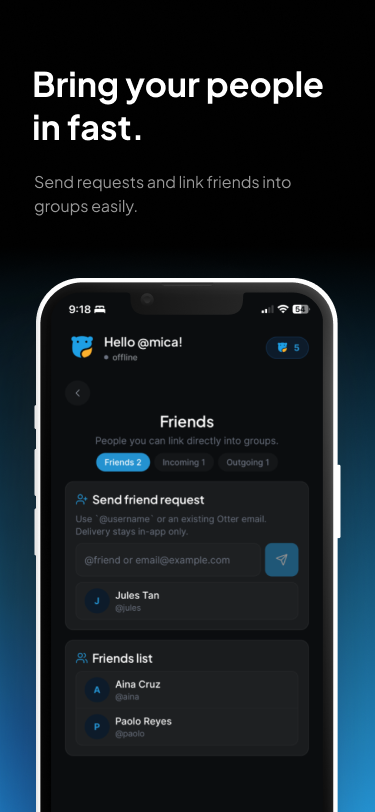
Your friends list — see balances at a glance.
Five ways to split.
Equal Split evenly — everyone pays the same.
Exact Set each person's amount manually.
Percentage Assign exact percentages that total 100%.
Shares Assign weights (e.g. 2, 1, 1) — Otter calculates the rest.
One Pays All One person covers the full expense.